
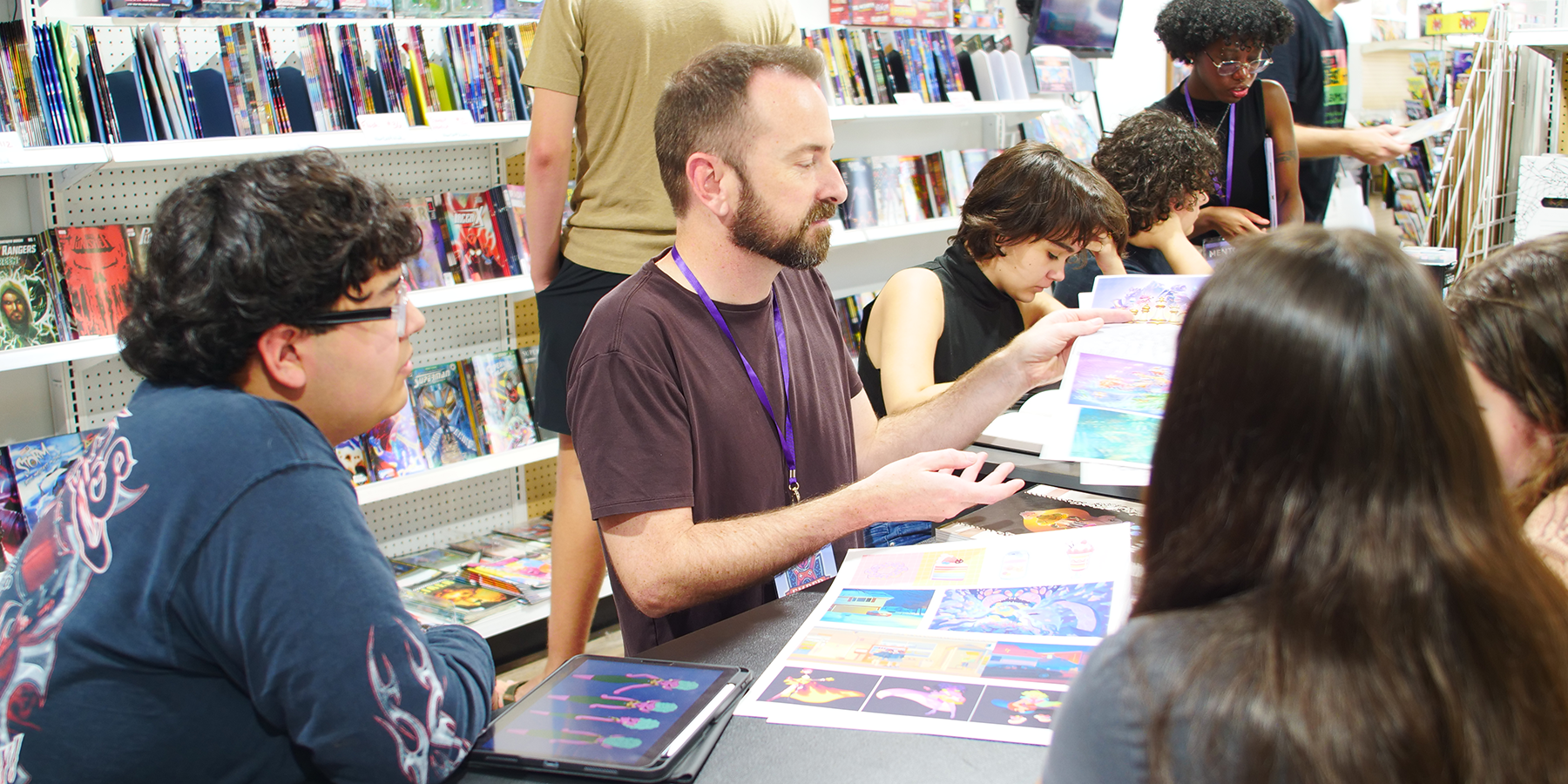
Digital Art Adventures
February 2027 · Four-week studio
Learn brushes, layers, color, texture, and simple digital effects through a series of playful mini-projects and one finished illustration. Also get a 30-minute 1:1 call with a professional artist mentor to discuss your goals and how to get the most out of the studio.
- Dates: Feb 20 - Mar 13 (4 weekly sessions, 1 hour each)
- Day and time: Saturdays, 10:00 am to 11:00 am
- Location: Adventures in Ink, 15201 Ronald Reagan Blvd, Suite 210, Leander, TX 78641
- Instructors: Jason Keyser
- Ages: 8–12
- Class size: up to 10 students
- Bring: iPad + Procreate App + Apple Pencil (iPad is required for this workshop)
Tuition covers all four sessions. Studios are non-refundable.
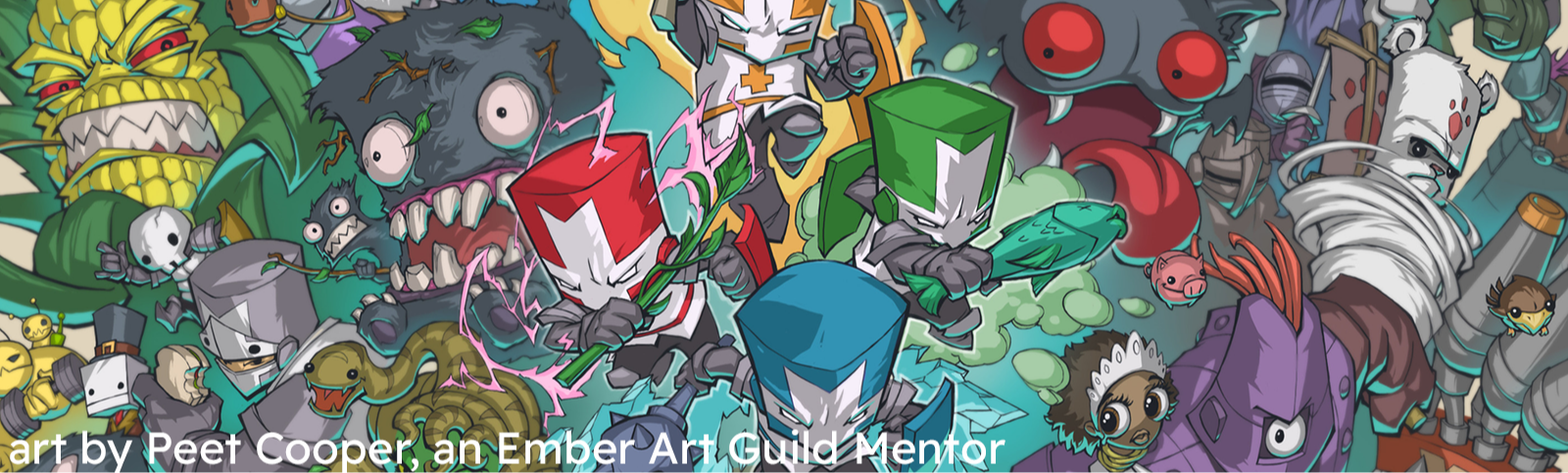
Turn your tablet into an art studio.
Step into a digital creative playground. Students learn the essential tools of digital art by using them immediately: brushes, layers, selections, color, texture, transformations, and simple effects. Rather than treating software like a technical lesson, each new tool unlocks a creative challenge. By the end of four weeks, students combine what they have learned into a finished digital illustration.
What Students will Learn:
Brush control; layers; selections; transform tools; color choices; texture; simple lighting/effects; saving and presenting artwork.
4-Week Project Arc:
Week 1: Brush laboratory + digital mark-making challenge.
Week 2: Layers, selections, and transformations through a playful illustration project.
Week 3: Color, texture, and simple light/effects.
Week 4: Create and polish a finished digital illustration using the full workflow.
Final Project:
Finished digital illustration plus a mini collection of digital experiments.
Recommended Student / Fit:
Ages 8–12 with a compatible tablet and stylus. Great for beginners or self-taught young artists who want to understand their tools better.
Outcome:
Students gain confidence using a tablet intentionally instead of simply experimenting with buttons — without turning the class into software training.